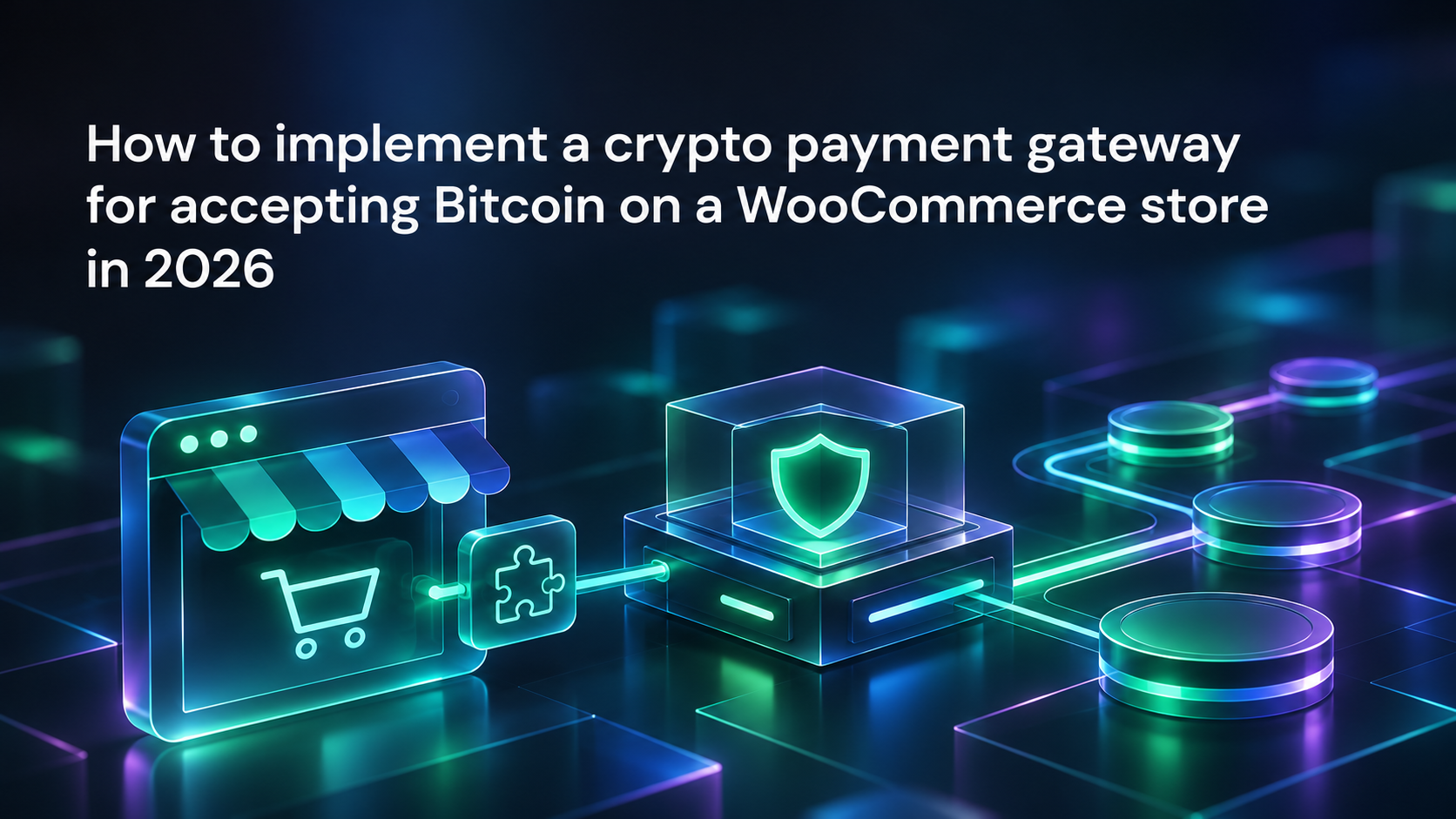

Implementing a crypto payment gateway for accepting Bitcoin on a WooCommerce store takes more than adding a payment option at checkout. Confirmation, stock reduction, customer messaging, and settlement must remain consistent when a shopper closes the browser, pays late, or sends the wrong amount. Bitpace’s payment platform includes a dedicated WooCommerce plugin, so the work lies in onboarding, configuring a staging store, proving checkout compatibility, and testing the full order lifecycle. Before launch, your developer, store manager, and finance lead should agree what counts as a successful payment and who owns each exception.
This acceptance runbook sets out the implementation in seven steps:
1. Scope out your WooCommerce crypto payments
Start by documenting which payment event authorises each downstream action, because a gateway collects funds without knowing whether an order needs stock reservation, a download entitlement, or a production release. Set your store’s pricing currency and your settlement currency separately, and agree how long a conversion quote remains valid and what happens to a payment that arrives after expiry. Our dedicated WooCommerce integration runs in three stages: onboarding with know-your-business checks, plugin installation, and plugin configuration. Assign clear owners: the developer for technical delivery, store operations for fulfilment, finance for settlement checks, and customer support for escalations.
2. Prepare a representative staging store
Build a staging copy of your production configuration, with personal customer data removed or protected, before you integrate crypto payments with your store. A clean demonstration shop cannot prove compatibility with the checkout your customers see, so match the theme, checkout customisations, shipping and tax rules, and every extension that touches the basket or order. Keep staging and production credentials separate, confirm which transactions can be simulated, and take a recoverable backup before installation. Record each setting you change and why, and keep secrets out of screenshots and support attachments.
3. Prove checkout and storage compatibility
Confirm whether your store runs the classic checkout or Checkout Blocks, because WooCommerce’s payment method integration documentation treats Blocks registration as separate from the gateway code that processes payments. If High-Performance Order Storage is enabled, ask your provider to confirm compatibility for the installed release, because the WooCommerce order storage guidance warns that reading the legacy tables directly may return outdated orders. Test the final total after shipping, tax, and discounts change it, for guests and signed-in customers. On mobile, a shopper returning from a wallet app must land on the existing order.
4. Map payment events to orders
Write down the expected order state for each payment state in your integration documents, because a payment request, a detected transaction, and a payment that meets your confirmation policy are different events. A Bitcoin payment becomes harder to reverse with each confirmation, so the number you require is a commercial risk decision as well as a technical setting. The WooCommerce Payment Gateway API guidance calls for payment_complete() on confirmed payments, so WooCommerce handles stock and status, and on-hold where payment needs manual verification. Run every test with the shopper’s browser closed, and confirm that stock moves only once.
5. Handle exceptions before fulfilment
Treat expired, partial, and excessive payments as separate cases, because an underpayment is not a funded order and an overpayment is not permission to ship more goods. If a late payment arrives after the last unit has sold, offer a substitute or a refund rather than reviving the order automatically. Test interruptions as carefully as successes, and weigh the trade-off in each design choice:
- Fulfilment holds: Holding orders until acceptance reduces premature dispatch but needs clear pending-payment messaging.
- Automatic updates: Automatic status changes reduce manual work but need a documented recovery path.
- Manual review: Reviewing exceptions by hand protects stock decisions but needs a named owner during trading hours.
6. Test refunds and settlement records
Set your refund policy before launch, covering how the amount is determined, which currency applies, and how the destination address is verified. As Bitcoin.org’s guidance on irreversible payments explains, a Bitcoin transaction cannot be reversed, and only the recipient can refund it, so support must never suggest that cancelling a WooCommerce order returns the original payment. Reconcile one test sale end to end, from order total to final receipt, recording fees separately from the sale value. Our global settlement service automatically converts received crypto into EUR, USD, or USDC, with all reports available in a single interface.
7. Launch with a reversible rollout
Launch in a limited trading window when technical support, customer service, and finance can review the same orders. Before going live, ask each owner to sign off on compatibility results, the refund procedure, and settlement evidence. Define rollback as stopping new crypto payment requests while monitoring open orders, because disabling the whole integration could stop late payments from being recognised. After launch, keep a release record linking the gateway version to your checkout configuration, and rerun the relevant tests whenever the checkout, order storage, or gateway package changes.
Frequently asked questions
Do I need custom gateway code?
Not necessarily, because a dedicated plugin can provide the integration route, subject to compatibility with your store. Obtain the current package and instructions from your provider, then test your checkout and order handling. Custom development may still be needed for unusual fulfilment rules or unsupported extensions, so define those requirements before installation.
Does classic checkout prove Checkout Blocks support?
No, because the classic checkout and Checkout Blocks use different integration surfaces. Confirm support for the exact gateway release and checkout configuration you intend to run, then test payment visibility, order creation, and recovery after the shopper leaves the checkout. A successful transaction in another store does not show that your own Blocks setup works.
When should I release an order?
Release an order once the provider’s documented acceptance condition is met and the corresponding WooCommerce order state has been verified. A customer screenshot or a visit to the return page is not sufficient evidence. Apply any separate stock or fraud review before dispatch, and make sure repeated payment updates cannot trigger repeated fulfilment.
What happens to an expired quote?
Follow the provider’s documented expiry process and keep the order identifiable while any outstanding payment is investigated. An expired quote may require a new payment request, but a transfer could already be in progress. Check the existing reference before you ask the customer to pay again or release reserved stock.
Can I disable crypto after launch?
Yes, you can plan a rollback that stops new crypto checkouts while keeping visibility of payments already in flight. The exact procedure depends on the plugin and its status-update mechanism. Keep outstanding references available, assign someone to review late payments, and complete refunds and reconciliation before fully retiring the integration.
Start accepting crypto payments with Bitpace’s crypto payment gateway
Get paid in Bitcoin, Ethereum, Litecoin, and many more established cryptocurrencies with the Bitpace crypto payment gateway. Reach out now to start accepting crypto payments.